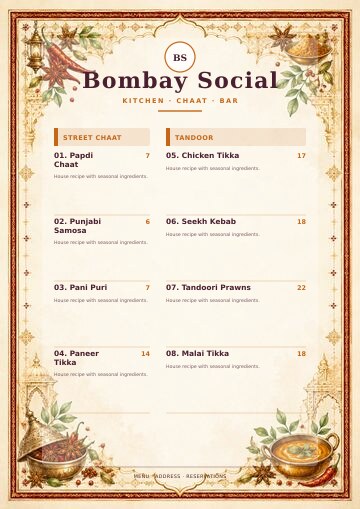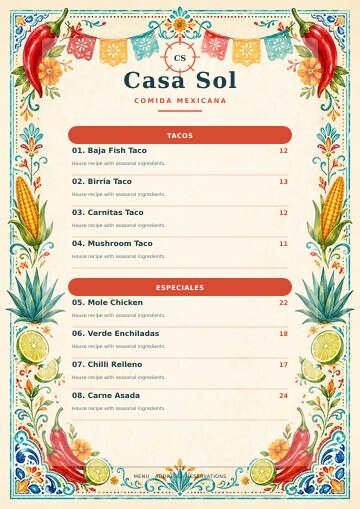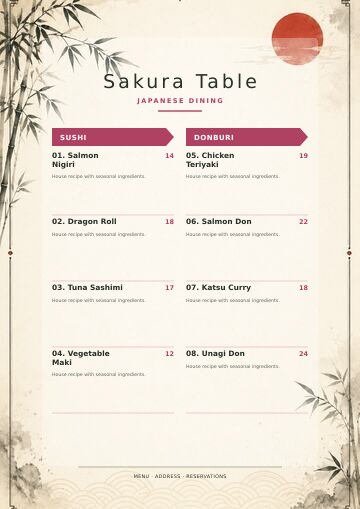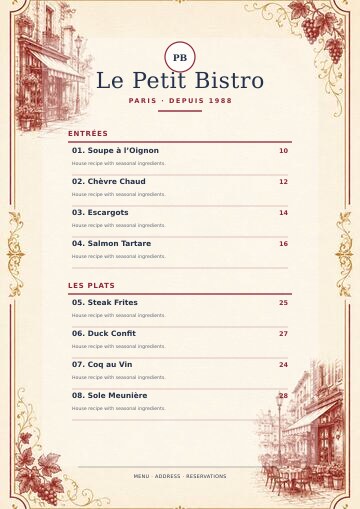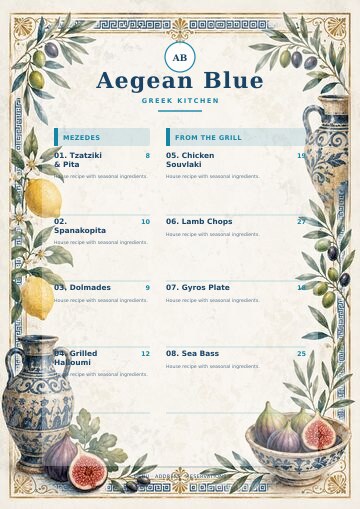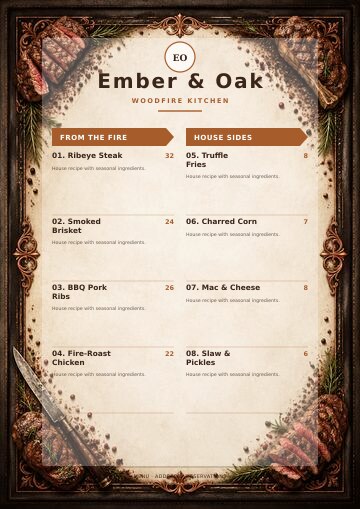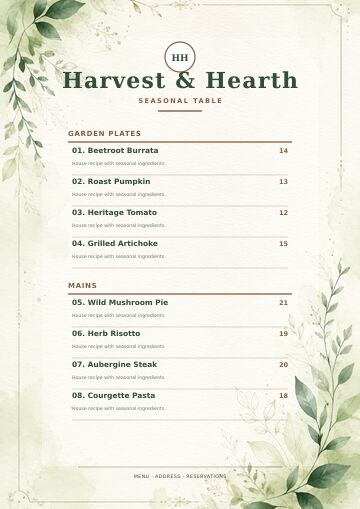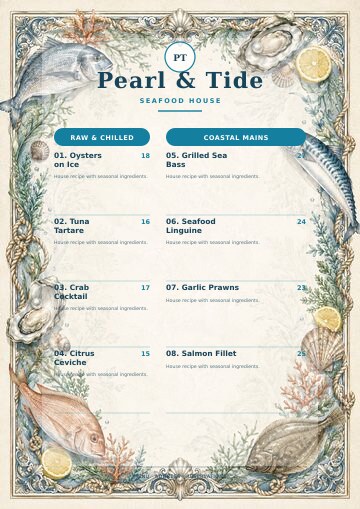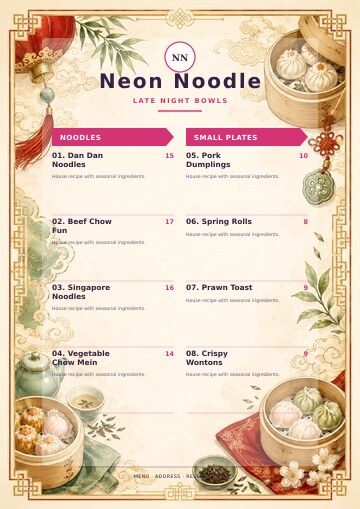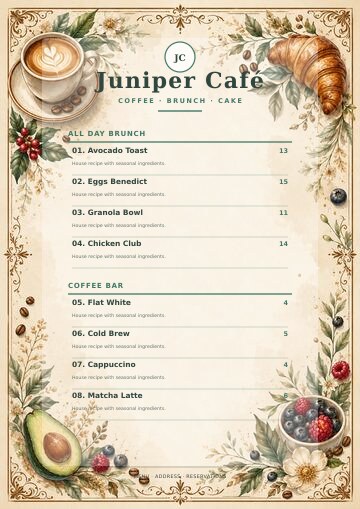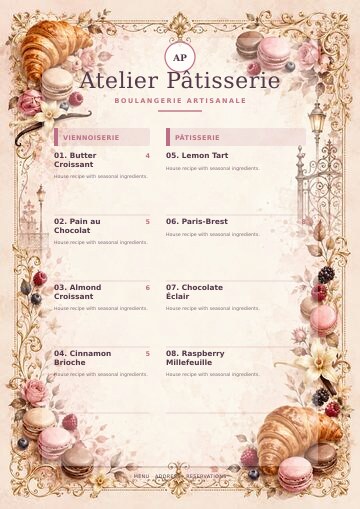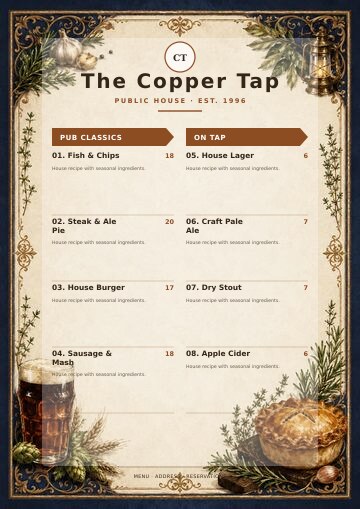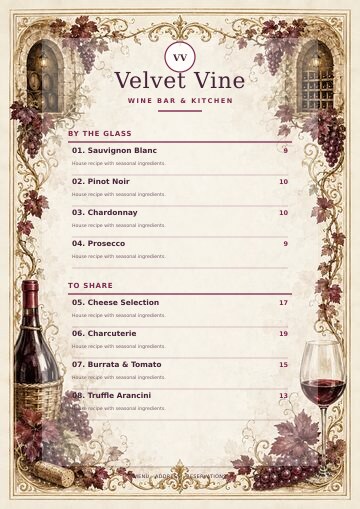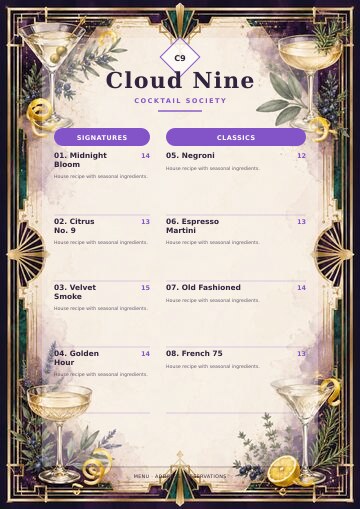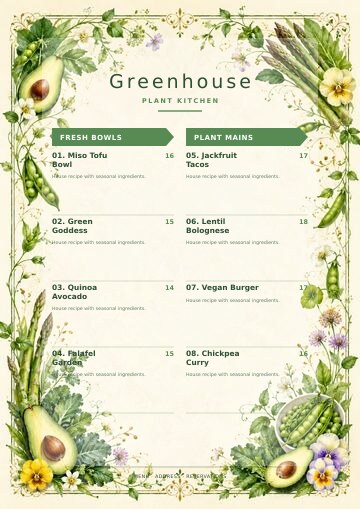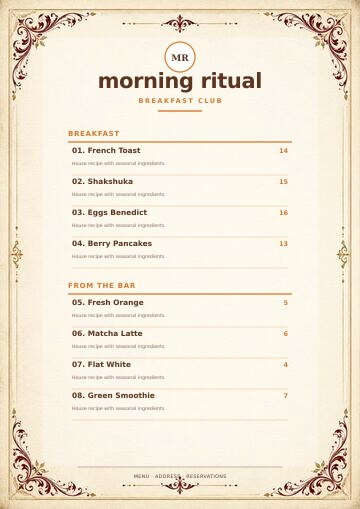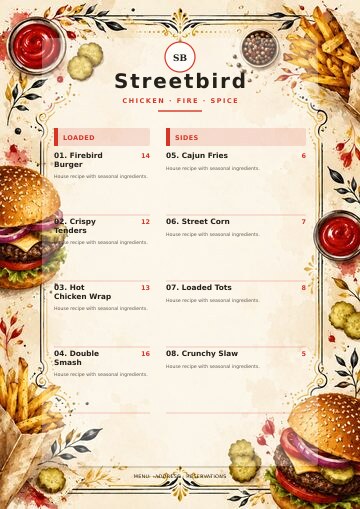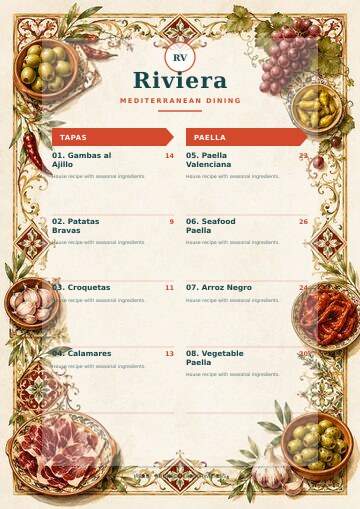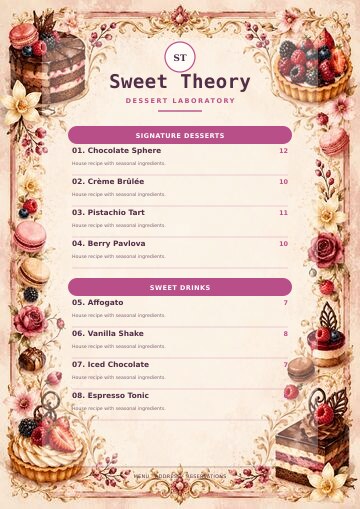
Create restaurant menus that look as good as your food.

Fast, Easy & Professional.

Start creating now
Generate professional menus with AI, in minutes.

Create for Free. No Signup required.

Generate Now
Print-ready PDFs in one click

Export a print ready PDF or generate a QR code menu — no designer required.

Try it free

AI restaurant menu maker and redesign studio

Create, redesign and export professional restaurant menus with AI

Generate a new menu with AI, upload your existing menu files, or import a public menu URL. Refine every dish in an editable workspace, choose a creative design and export production-ready menu pages.

✓ Three direct starting routes   ✓ Six focused AI tools   ✓ Fully editable design   ✓ Credit-free PDF and JPG export

M

Generate with AI

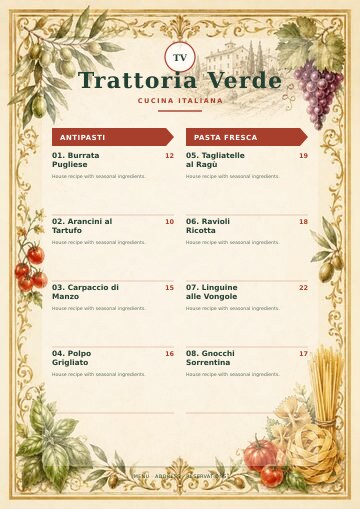
Tap Generate to try it with Global Fine Dining, or pick your own starting point below.

MGenerate with AI

Free to try · No signup required · Takes under a minute
3

direct ways to start

32

creative layouts

60

visual themes

300

DPI JPG export

Creative without being rigid

A professional design system, not a fixed template

Layouts coordinate hierarchy and composition while colours, backgrounds, category styles, fonts, branding and content remain under your control.

32 creative layouts

Feature sections, cards, ribbons, ledgers, tasting journeys, split pages, poster frames and more.

60 colour schemes

Original and cuisine-focused professional palettes with matching visual styles.

60 print backgrounds

Dedicated portrait and landscape previews with full 300-DPI artwork for output.

24 restaurant-name types

Wordmarks, signatures, crests, banners, Art Deco, botanical, neon and other styles.

Visual font controls

See fonts in their actual typeface and style each menu element independently.

Flexible menu structure

Choose one or two columns, category style, alignment, numbering and menu position.

A real menu editor

Control every category, dish and declaration

The structured table keeps large menus manageable while live preview shows how every change affects the finished pages.

Editable menu table

Edit dish names, descriptions, prices, allergens, additives and dietary flags.

Drag, duplicate and organise

Reorder categories and dishes, duplicate content and add manual page breaks.

Category template library

Mix complete categories or selected dishes from Cuisine, Food and Drinks menus.

Market and currency controls

Use global country and currency choices with before/after price-symbol placement.

Allergen-aware workflow

Manage the 14 major allergens and preserve non-empty information imported from the source.

Autosave and saved menus

Autosave in the browser, save menus by name, reopen them and continue editing.

One connected workflow

From source menu to service-ready design

01

Choose how to start

Generate with AI, upload files, import a URL or create blank.

02

Perfect the menu

Edit items and use AI Prices, Descriptions, Review or Ask AI when useful.

03

Create the look

Apply layout, colour, background, typography, logo, images and page settings.

04

Preview and export

Check every page and export Printable PDF, Editable PDF or 300-DPI JPGs.

Preview with confidence

See the menu page exactly where it matters

Work with live pagination, page navigation, physical rulers, zoom up to 250%, portrait or landscape orientation and full-screen preview. Protected margins keep content away from decorative borders.

  • A4 and A5 proportional formats
  • One-column and two-column pagination
  • Movable menu position and placed food images
  • Automatic continuation onto new pages
  • Readable category-title contrast
PDFPrintable PDFProfessional high-quality output
EDITEditable PDFFor flexible downstream editing
JPG300-DPI JPG ZIPOne image for each menu page

PDF and JPG exports use no AI credits.

Made for hospitality

Professional menus for every food business

Use focused menu structures for cafés, bars, bakeries, food trucks, takeaways, caterers, hotels and restaurants across popular cuisines.

Transparent AI credits

Know the cost before AI runs

Guest and account balances stay visible. Failed AI requests are refunded automatically, while Printable PDF, Editable PDF and JPG exports remain credit-free because they do not call an AI model.

Clear answers

Everything to know before creating your menu

Choose Generate with AI for Cuisine, Food or Drinks, upload up to 20 supported menu files, import a public restaurant or delivery-menu URL, or create a blank editable menu.

MenuMakerAI accepts common menu sources including PDF, JPG, PNG, WEBP, Word DOC/DOCX, Excel XLS/XLSX and CSV. Extracted categories and dishes are placed in an editable table for review.

AI tools cover menu extraction, market-aware prices, polished descriptions, allergens and additives, full-menu review, focused Ask AI questions, and original food-image generation. Each AI action shows its credit cost before it runs.

Yes. Choose from 32 creative layouts, one or two columns, category treatments, visual font pickers, colours, matching backgrounds, logo controls and 24 restaurant-name styles. Every recommendation remains editable.

MenuMakerAI calculates page flow using the protected print area. Long categories and dishes continue onto another page instead of crossing the artwork border or footer area.

Yes. Generate a food photograph with AI or upload your own image, then move and resize it directly in the preview. Image tools include background removal and placement controls.

Create a Printable PDF, an Editable PDF, or a ZIP containing one 300-DPI JPG for every menu page. Menu data can also be exchanged through Excel and CSV controls.

No. PDF and JPG exports do not call an AI model and remain credit-free. Credits apply only to AI-assisted actions, with confirmation shown before use.

Yes. Edit the 14 major allergen references, additives and Vegan or Vegetarian indicators per dish. Existing imported allergen selections are preserved, but every suggestion must be verified against the restaurant’s actual recipes.

Yes. The workspace includes responsive editing, touch-friendly preview navigation, zoom and rulers, full-screen controls and mobile menu positioning.

Professional Restaurant menus. Powered by AI.

Make your next menu easier to create—and harder to ignore

Bring menu content, design, pricing, branding and print output together in one focused workspace.